
What is Digital Signage Software? The Complete Guide
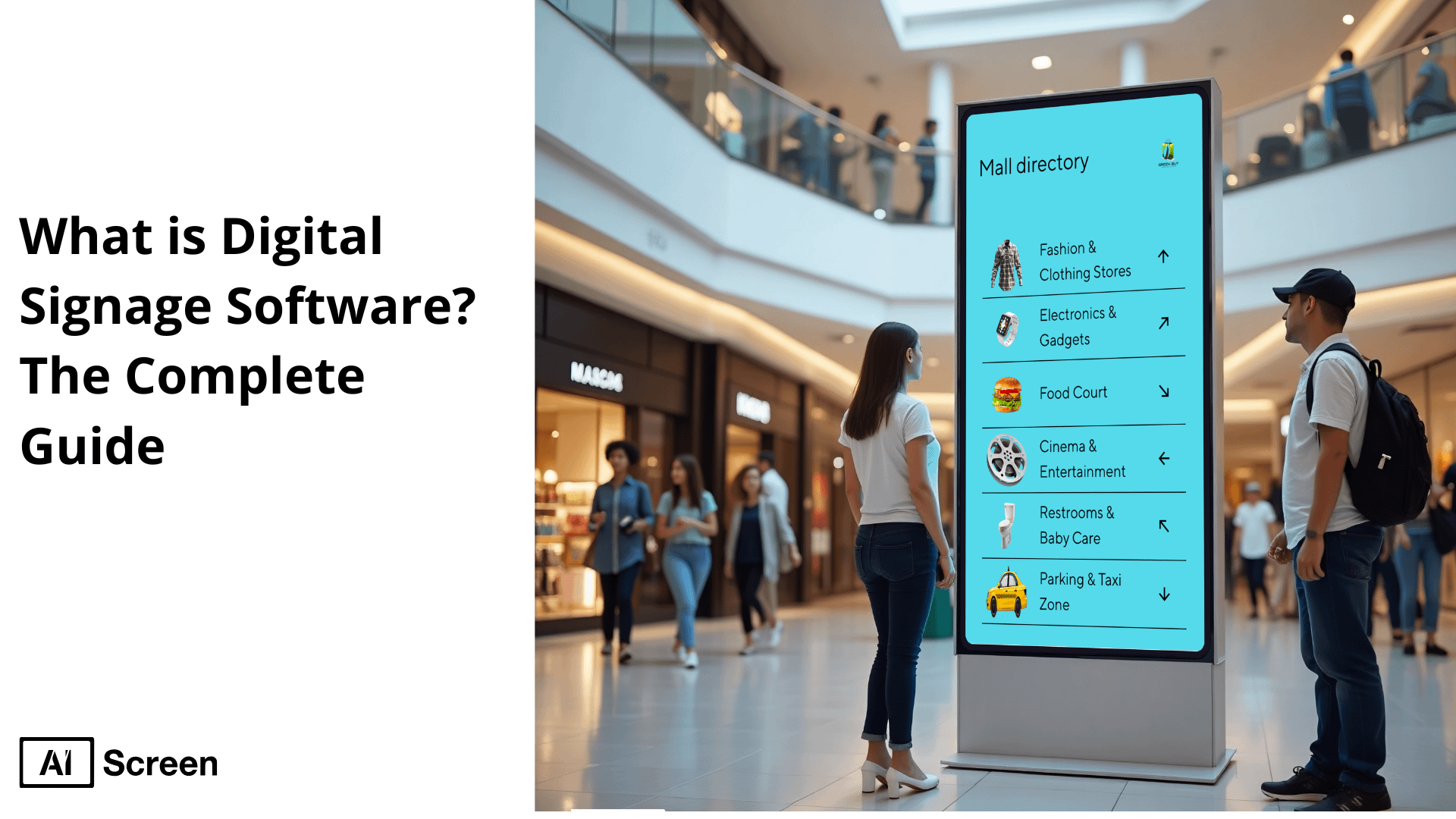
Ever walked past a screen that showed exactly what you needed, at the perfect time? That’s the power of digital signage. Unlike static posters or flyers, digital signage software makes it possible to share dynamic content that grabs attention, delivers timely updates, and creates real connections with your audience. According to Grand View Research, the global digital signage market hit $25.1 billion in 2024 and is projected to grow at a CAGR of 8.1% through 2030, driven by rising demand for real-time communication and data-powered displays.
In this blog post, you’ll learn what digital signage software is, how it works, and why it’s becoming essential across industries. We’ll cover the benefits, compatible screens, setup process, top use cases, and real-world examples so you know exactly how it can boost engagement, efficiency, and brand visibility. Could one screen, just one, transform how your business communicates?
What is Digital Signage Software?
Digital signage software is a cloud based content management system (CMS) that is used to create, schedule, and publish dynamic multimedia information on many screens, including videos, images, and live data.
Contrary to static signs, it has real-time updates, can be managed remotely and provide audience analytics. The main distinctions to the static signage:
- Dynamic vs. Static: The contents of digital signage are dynamic and objective, whereas sources that use static signs are permanent.
- Centralized Control: Distance control of the multiple monitors through the cloud in contrast to the constant signs, which have to change on the spot.
- Engagement & Analytics: Demonstrates interactive functionality and monitoring of the audience and is not supported by static signs.
- Automation: the content is set to be automatically scheduled based on time, place, or other data-based triggers where static signs require it be manually updated.
It promotes communication, due to the ability to update content quickly, it saves printing, and provides measurable data on viewers. Digital signage software has found application in retail, educational and corporate sectors.
According to Nielsen in their Digital Place-Based Video Study, businesses that employ the use of digital signage software enjoy a 47.7 percent boost in regard to brand awareness.
What Are the Benefits of Digital Signage Software?

“Tired of printing flyers that no one reads? With digital signage software, your message updates in seconds and grabs attention instantly.” The benefits of digital signage software are numerous, helping businesses enhance communication, engage customers, and improve operational efficiency. Here are the key benefits:
1. Customization
Customization enables companies to create personalized content on digital signage tailored to different audiences, times, and events.
Whether it’s lunch deals during rush hour or promoting seasonal offers, the digital signage software allows users to conveniently change the types of content to be used, such as videos, animations, or social media streams. This versatility enables the consistent delivery of relevant and engaging messages.
2. Versatility
Versatility is a key strength of digital signage solutions. These systems are used in different environments indoors as well as outdoors, and even in a small retail store and large corporate campuses, so whether LCD is used to make directories to the lobbies or LED is used to be used on a large outdoor billboard, the digital signage software can fit in any type of setting or into any type of screen.
3. Real-Time Updates
Real-time update gives users the ability to make time or weather adjustments based on stock levels or breaking news in an instant.
As an illustration, restaurants may change menus depending on the availability of ingredients and retailers may conduct flash sales of items that are stocked too much. This dynamic control is very relevant and responsive with no lag time.
4. Increased Engagement
Increased engagement is one of the most significant advantages of digital signage. It has been found that in-store sales can be increased to 33% with the help of digital screens (Grand View Research). Colorful imagery, dynamic electronic messaging, and moving displays attract the attention better than the traditional print, prompting the customers to browse, research, and buy.
5. Reduced Print Costs
Reduced print costs are a direct result of switching from static signage to digital signage content. Companies do not have to reprint posters every time there is a promotion or a season change. That is, they are free to launch digital updates to every location at once and eliminate time and printing costs.
6. Improved Customer Experience
An improved customer experience is achieved through timely information, entertainment, and interactivity.
Digital signage refers to electronic displays that inform customers, display queue updates, or entertain with branded videos, helping to reduce perceived wait times. Research shows customers feel their wait is 35% shorter when digital displays are used (Digital Signage Today).
These are just a few highlights. When you look at the top benefits of digital signage software, the impact goes far beyond cost savings. It transforms how businesses communicate, streamlines operations, and creates memorable customer experiences.
How Does Digital Signage Software Work?
Imagine uploading a single file on your laptop and watching it appear on every screen in your network within seconds, no printers, no couriers, no delays. The digital signage software works as a central management and control system of digital displays. It allows companies to remotely update, schedule and monitor content they display on the screens, which makes it an important means of dynamic communication. As the system works, here is how digital signage works, especially when exploring the 11 best features of digital signage software:
- Content Creation and Management: Content creation and management start within the AIScreen program where in users can conveniently create contents with inbuilt editing tools or import pre-designed contents in form of images, video, text or animations. It has well arranged content libraries, drag-drop design capability, which allow teams to collaborate between each other and keep content consistent and up-to-date.
- Scheduling and Playback: Scheduling and playback are taken care of by our software intuitive scheduler. Depending on your campaign, you can schedule certain times, dates or recurring playlist to various screens. The software guarantees that right time when the right content plays, whether you might be broadcasting promotions throughout the lunch hours or putting the focus on new arrivals during the weekends.
- Content Distribution: Content distribution with our software is easy. Your planned content gets broadcasted via the internet or with the help of the cloud to your linked screens with the help of the software. With our software, whether you have one screen to deal with or hundreds, the content is presented as fast as possible, and without manual updating.
- Display Management: The display management tools of our software enable you to have complete control over all the screens in your enterprise. Users can regulate the screen brightness and audio levels, view their device health and performance, and take corrective measures to address display issues in the current working environment and experience a seamless operation with limited downtimes.
- Analytics and Reporting: Analytics and reporting functionality allows our software users to monitor relevant performance indicators, such in screen uptime, content views and engagement patterns. Such insights can assist companies in knowing what is performing, how the content can be improved, and will plan more intelligently on the strategies to employ in future campaigns on digital signages.
- Integration and Compatibility: Integration and compatibility are vital to creating a flexible signage ecosystem. Our software syncs up to exterior feeds such as weather, news by RSS, social media, POS and inventory databases and makes sure your content is alive and real. The software also favors numerous hardware, such as smart TVs, media players, and video walls.
- Security and Permissions: Security and permissions are built into our software to keep your network safe. Admins have the power to determine who can manage or publish content by assigning the user roles, workflow approval as well as secure logins. These measures guide companies in keeping brand communications and unwarranted access.
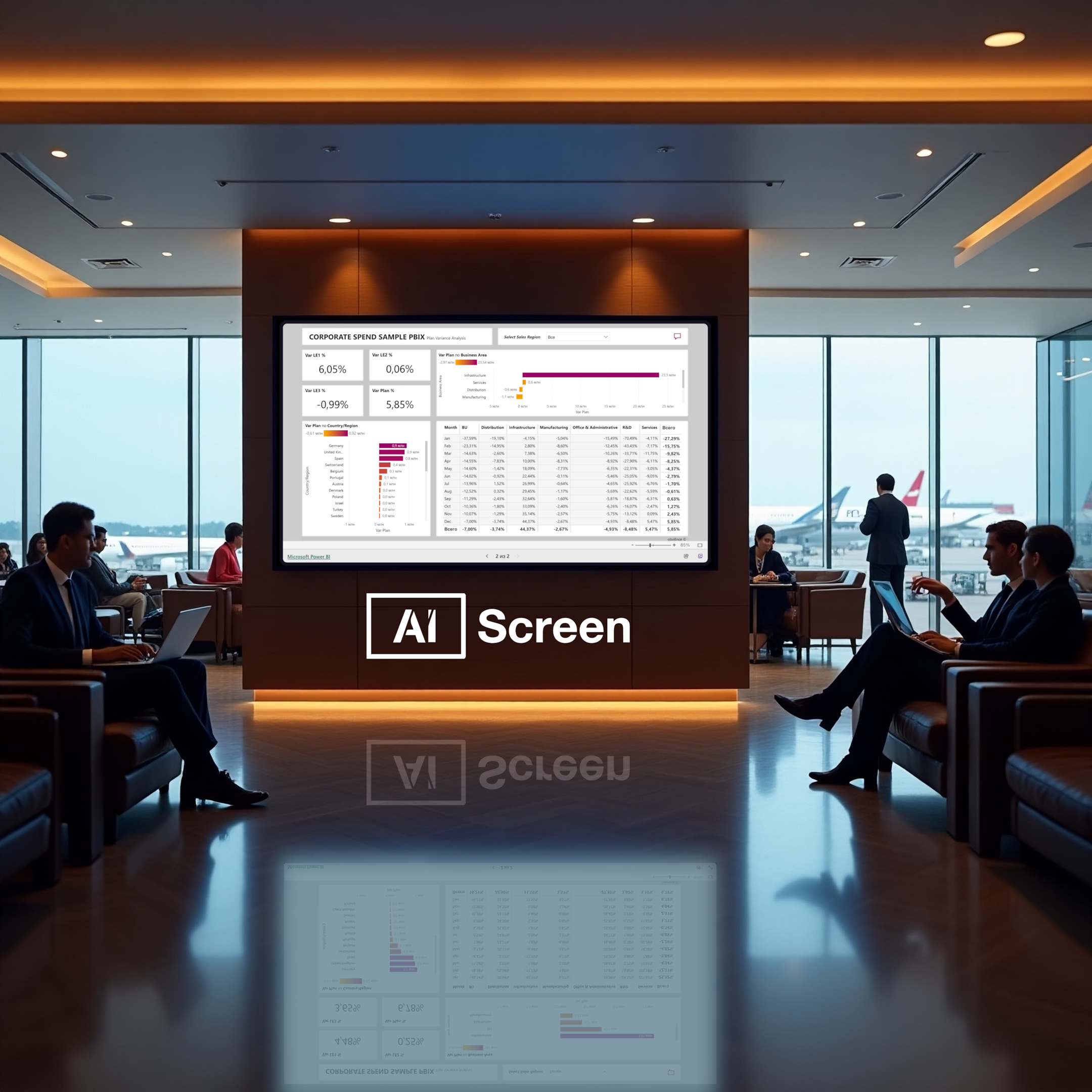
What Screens Are Compatible with Digital Signage Software?
Not every business needs a giant LED wall; sometimes, a tablet gets the job done.” Compatible screens with digital signage software are LCD, LED, touchscreens, 3D LED screens, when equipped with modern connectivity options and can easily present scheduled content using connected media players or the installed operating systems.
- LCD Screens: LCD screens are relatively affordable, have good display model, and are most suitable in indoor display of digital signs. They have clear images with medium power consumption and are suitable where images are used like the use of digital menu boards and in store promotions.
- LED displays: LED displays have high brightness making them ideal in outdoor digital sign; where sunlight may present a display problem. They can be long-lasting and energy-saving and are therefore suitable to be used in the advertisement of billboards and electronic signages in the open.
- Projection Screens: In case you have a large screen to be covered, use of the projection screens would be cost effective. They are capable of displaying animated or video messages in large walls and this further comes with flexibility in terms of exhibitions in event halls, shops as well in the museum.
- Tablet and Mobile: Tablets and other mobile devices are convenient and portable digital signage screens working perfectly in the form of interactive menus, kiosks, and personalized in-stores digital signage. The tablets and mobile devices are convenient and can easily be used to travel and are hence ideal in businesses that change with location.
- Touchscreen displays: With interactivity rising in digital signage, touch screen displays are growing in popularity. The interactive digital signs are interactive and one can interact with them and therefore are very suitable as wayfinding solutions, self-service kiosks, and product browsing.
- 3D LED Screens: This is an upcoming product that is a revolutionary element of digital signage hardware. The screens will be optimal in upscale digital advertising in noticeable sites providing rich visual entertainment by delivering a captivating informatory subject matter through the animated 3D effects.
All these types of screens are significant in the functioning and productivity of a digital signage system, and then they are influenced by the nature of your business or organization.
The appropriate digital signage will increase the delivery of contents, consumer interaction, and the communication level as a whole and transcend the inability of print signage.

Top Uses: What Is Digital Signage Software Used For?
Digital signage isn’t just for ads anymore. From schools to salons, it’s transforming communication. Top uses of digital signage software exist across a variety of industries and use digital signage content, electronic signage and digital displays to create engagement, communication and drive sales.
It has so many applications such as in retail, healthcare among other areas. This is a summary on the use of digital signages across different industries:
Retail
- Advertising New Products and Promotions: Retailers use digital signage to communicate new products, sales, and offers and in the process, draw the attention of customers to their sales thus increasing their sale.
- Displaying Dynamic Menus in Restaurants: Digital menus in restaurants can be easily updated and restaurants can easily change menu, prices and specials hence customer experience is enhanced and it is efficient as well.
Corporate
- Internal Communication: Digital signage is used to send out internal company messages: internal news and updates, statistics, employee recognition and create a connected working environment.
- Wayfinding and Directories: People need guidance when trying to find their way around within a large corporate site, interactive digital signage facilitates this and helps settle the confusion.
Transportation
- Providing Navigational and Informational Assistance: Airports, railroad stations and bus terminals work with digital signs to show actual schedules, gate assignments, and routes serving to improve the journeying experience.
- Broadcasting Video Content and Corporate Communications: Transportation hubs use digital screens to show safety videos, promotional content, and emergency alerts, keeping passengers informed and engaged.
Healthcare
- Patient Instructions and Queue Updates: Digital signage has helped hospitals and clinics inform patients clearly on instructions and up-to-date wait times and helpful health tips, which promotes patient flow and satisfaction.
- Internal Communication: The health care buildings show the informational displays that tell about shift schedules, emergency notices and policy changes to the staff members.
Hospitality
- Creating Interactive Customer Experiences: Hotels and resorts can use digital signage to create an interactive customer experience by displaying information on facilities, local destinations, and upcoming business so that guests can enjoy the place in a better way.
- Displaying Event Schedules and Notices: It is possible to display information about upcoming events, schedules of meetings and services provided to guests in digital signage of the lobbies, conference rooms and help to communicate and make the guests more satisfied.
What Content Formats Work Best with Digital Signage Software?
You have seconds to make an impact. That’s why content design matters. Content formats work best with digital signage software when they are eye catching, readable, and the appropriate size of the content to fit the screen size as well as the attention span of viewers.
The content of the digital signage can include as much and as diverse components, such as the static image, dynamic video, and real-time feed of data. These are the most efficient formats of content and the best practices that are applied:
- Clear, Legible Fonts and Text Sizing: Have legible typeface and fonts and size so that they can be read easily at a distance. This may be guaranteed no matter the size of format in display or high-traffic locations. Audience of digital signage interacts with it during a few seconds, and in order to make your message visible and clear, it is important to make it short.
- Design Within Display Resolution and Safe Zones: Design in the native resolution of the screen to prevent the cutting off of images, or the distortion of the images on the digital signage display. There should always be a safe margin or sometimes called a bleed area at the edge so that nothing is lost or covered by something.
- Leverage Visual Content: Visual content has a strong contribution to the storytelling process. Your digital sign screens will flourish with active and interactive graphics and images as they can send a message that can attract viewers. Always employ good quality pictures wherever feasible. Do not use the text medium further to represent your message easily and effectively. Engagements are increased and can be more effective when it is an interactive content in the form of animations or even video messages.
- Keep Messaging Concise: Whenever a viewer is viewing digital signage, they tend to do so in few seconds. Keep messages direct, clear and with a one point call to action. Too much content might be intimidating and dull the spectators.
- Support All Content Formats: The digital signage software we provide supports many content formats such as images, videos, live data feeds, and even interactive content. Such variability of formats will enable you to produce multi-purposed, customized content that can be shown in different locations through networks of digital signage screens including retail outlets or corporate facilities.
In a report by Allied Market Research, cloud-based digital signage software is also expected to take over the dominant part of the market in the year 2026 with the prediction being 65%.
Successful digital signage system starts with effective content creation. Following these best practices, you will make sure that your digital signs will not only send relevant information to your audience, but also appeal and engage them, and ultimately lead to better results of your business.
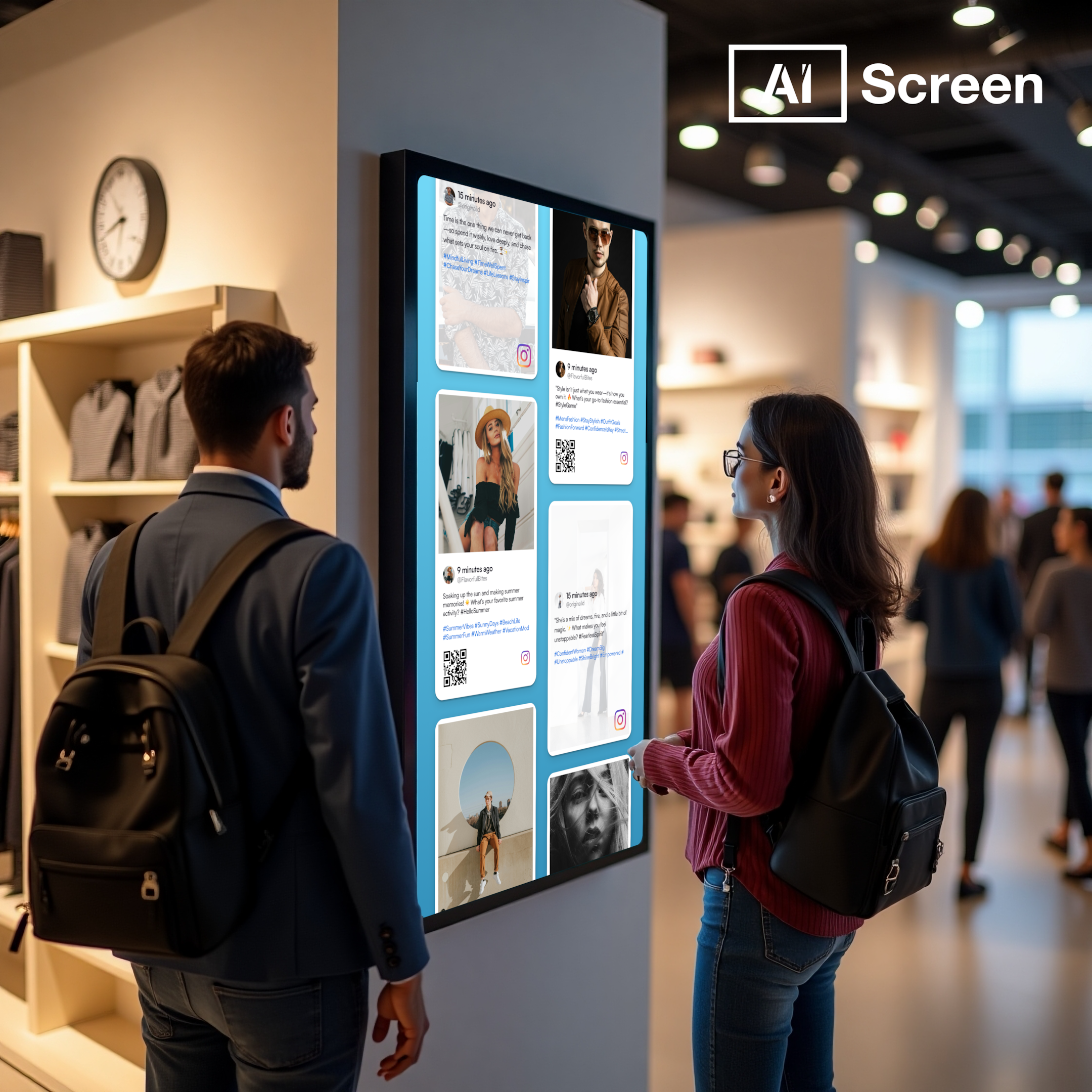
For more details on best practices and supported formats, explore our content creation guide.
How to Set Up Digital Signage Software with AIScreen
No IT team? No problem. AIScreen’s setup takes minutes. Setting up digital signage software with AIScreen is simple and designed for businesses of all sizes. Whether you’re using a smart TV, media player, or tablet, the setup process is intuitive and requires no technical expertise. With just a few steps, you can launch dynamic content across your screens, keeping communication engaging and up to date. Follow these simple steps for digital signage software set up:
- Step 1: Choose a Compatible Display or Smart TV
- Step 2: Install and Set Up Digital Signage Software
- Step 3: Create an Account in the Digital Signage App
- Step 4: Pair Your Screen or Device with the Software
- Step 5: Upload or Customize Your Digital Signage Template
- Step 6: Schedule and Launch Your Digital Signage Content
Need extra help? Book a Demo with our team and we’ll walk you through the setup process.
What Industries Benefit the Most From Digital Signage Software?
From corner cafes to global airports, digital signage finds its place. Industries that benefit the most from digital signage software include retail, healthcare, corporate, and education, among others, by utilizing it to enhance communications, facilitate operations, and improve customer engagement.
From retail stores to medical facilities, the technology has evolved to provide a safe and dynamic way of delivering rich content in real-time and on-screen. Here are the industries using digital signage software:
Retail
Retail stores use a digital signage network to showcase audiovisual, dynamically changing digital signals, no matter the application, such as promotions, product launches, personal ads, etc.
With these electronic displays, customers in retail stores are entertained and customers boost their purchases because these displays offer up to date information and are interactive.
As an example, the Statista report argues that upsells and specs can raise the average cost of orders by 30% with the help of digital menu boards in quick-service restaurants.
Corporate Communication
Corporate communication is streamlined with digital signage software, offering real-time messages like company news, KPIs, and staff updates. It provides homogeneous messaging across departments and offices, enhances company culture, and boosts employee involvement, making digital signage a powerful tool for effective corporate communication.
Healthcare
Healthcare centers use digital signage as a means of offering patient instructions, queue updates, and health-related tips. These monitors enhance the experience of patients and visitors by reducing the stress associated with long wait times and guiding them through complex hospital layouts, making healthcare environments more efficient and patient-friendly.
Education
Education benefits from digital signage because it allows faster and more engaging communication. Schools (and especially universities) use it to inform students about upcoming events, tests, and emergency information, while interactive displays enable modern learning and ensure that students stay connected with campus life, making education more dynamic and responsive.
Fitness Centers
Fitness centers consider using digital signage in order to display the schedule, explanations of exercises, and promotions. Such moving screens can encourage members and provide live information to improve the gym experience, mmaking it a valuable addition to any modern fitness center.
Airports
Airports use digital signage to address live information with regard to flights, boarding, and orientation. Such electronic screens facilitate an improved quality of experience of the airport passengers to offer accurate and timely information in highly traveled zones.
Outdoor Digital Signage
Outdoor digital signage employs weatherproof electronic display screens to display such messages as public announcements, advertising campaigns, and live event marketing in outdoor places with heavy traffic. These outdoor screens get the attention of passers-by and pass their message in most environmental conditions.
Museum
The museum uses digital signage to provide historical information, exhibit facts, and streamline visitor flow. Video walls and interactive kiosks attract more attention and deliver significant educative impressions to the visitor, enhancing the overall museum experience through engaging, dynamic content.
What Are Some Real-Life Examples of Digital Signage Software Impact?
Real-life examples of digital signage software’s impact show how businesses across various industries are utilizing digital displays and interactive digital signage to drive engagement, boost sales, and enhance communication.
From global brands to local companies, the adoption of digital signage solutions has delivered measurable success. Here are some notable case studies and market insights:
Coca-Cola:
Coca-Cola’s “Share a Coke” campaign exemplifies the power of interactive digital signage. By replacing its iconic logo with popular names on bottles and integrating QR codes, the campaign encouraged consumers to find and share personalized bottles.
This initiative led to a notable increase in brand recall, with 65% of shoppers recalling the in-store displays.
McDonald’s:
McDonald’s has leveraged digital signage solutions to modernize its ordering process. The implementation of digital menu boards, powered by real-time analytics, enables dynamic content updates based on factors such as weather and time of day.
This adaptability has resulted in a 3% to 3.5% increase in sales in Canadian locations.
Market Growth and Adoption Trends
The global digital signage market is experiencing significant growth. Valued at USD 24.96 billion in 2022, it is projected to reach USD 45.33 billion by 2030, growing at a 7.7% CAGR. This expansion is driven by the increasing demand for digital signage solutions across various industries.
Post-Pandemic Shift in Restaurant Technology
The COVID-19 pandemic accelerated the adoption of digital technologies in the restaurant industry. A survey revealed that 88% of restaurants were considering replacing traditional physical menus with digital ones, indicating a significant shift toward digital signage solutions for enhanced customer experience and operational efficiency.
Digital signage isn’t just screens; it’s a strategic driver of engagement.
Get Started with AIScreen’s 14-Day Free Trial for Seamless Digital Signage Software Solutions!
Get started with AIScreen’s 14-day free trial today to experience seamless digital signage solutions that are easy to set up and manage.
AIScreen, a leading provider of cloud-based digital signage software, offers flexible content management and real-time updates to ensure your displays are always fresh and relevant.
With no credit card required and the option to request a custom demo, AIScreen makes it simple for you to see how dynamic digital signage can enhance your business operations and boost engagement. Want to see it in action? Book a demo today. Contact us.
FAQs
What is Cloud-Based Digital Signage Software?
Cloud-based digital signage software refers to a solution that allows you to manage, update, and control digital displays remotely via the cloud. This type of software eliminates the need for on-site hardware management, providing a flexible and scalable platform for creating, scheduling, and displaying content across multiple screens from any location with internet access.
Where is Digital Signage Software Being Used Today?
Digital signage software is being used across various industries such as retail, corporate, healthcare, transportation, education, and hospitality. It is used for advertising, providing real-time information, wayfinding, displaying menus, and enhancing customer engagement, among many other applications. Businesses utilize digital signage to improve communication, streamline operations, and increase sales and brand awareness.
What Types of TVs Can I Use for Digital Signage Software?
The types of TVs that can be used for digital signage software include smart TVs, LED, LCD, and OLED screens. Compatible models often feature HDMI or other connectivity options and should support long-term, continuous operation. Many businesses opt for professional-grade displays designed for 24/7 use, such as commercial-grade Samsung or LG displays, which are optimized for high durability and performance in business settings.
How Does Digital Signage Software Boost Brand Visibility?
Digital signage software boosts brand visibility by delivering dynamic, eye-catching content that attracts attention and enhances customer engagement. By showcasing promotions, advertisements, and relevant information in high-traffic areas, digital signage ensures that your brand message reaches a wide audience. The ability to update content in real-time and personalize messages for specific audiences further amplifies brand visibility.
How Do You Measure Digital Signage Software Success?
You can measure digital signage software success through metrics such as audience engagement, content performance, and sales impact. Tools like audience analytics, screen uptime, and interaction rates provide insights into how well your content resonates with viewers. Additionally, tracking ROI, such as increased sales or foot traffic, helps evaluate the effectiveness of your digital signage campaigns.
What Should I Use to Design My Content for Digital Signage Software?
To design content for digital signage software, you can use a variety of design tools, including built-in templates in the software, graphic design software like Adobe Photoshop or Illustrator, and online platforms like Canva. These tools allow you to create visually appealing graphics, videos, and animations that align with your brand’s identity and messaging for a more impactful digital signage display.


